
What Is a Smart Home? The Complete Beginner’s Guide (With Renter-Friendly Setups)
Imagine stepping into your home after a long day: your lights turn on automatically, your thermostat shifts to a comfortable temperature, and calming music plays—all without you lifting a finger. This is the promise of a smart home.
Whether you want to lower monthly utility bills, enhance home security, or simplify everyday routines, understanding how smart home technology works is the first step. This guide covers what a smart home is, how the technology functions, essential starter devices, and practical no-drill setups tailored for rental living.

What Exactly Is a Smart Home? (Definition & Core Concept)
A smart home is a residence equipped with internet-connected devices that can be monitored, controlled, and automated remotely via a smartphone, tablet, or voice assistant. Technologically referred to as domotics (from the Latin domus, meaning home), these setups operate through the Internet of Things (IoT)—a network of physical objects embedded with sensors and software to exchange data over the internet.
A complete smart home ecosystem relies on three core pillars:
Smart Hardware: Everyday devices—such as bulbs, plugs, door locks, and thermostats—outfitted with wireless microchips.
A Reliable Network: The communication bridge (usually home Wi-Fi or a dedicated mesh network) transmitting commands between devices.
A Central Platform: A unified application—such as Apple Home, Google Home, Amazon Alexa, or Home Assistant—acting as the command hub for schedules and routines.
How Does a Smart Home Work? The Senses, Brains, and Muscles
Home automation operates on a straightforward feedback loop consisting of three parts:
Sensors (The Senses): Motion sensors, contact sensors on doors/windows, and temperature monitors constantly track physical conditions in your home.
The Hub or Controller (The Brain): When a sensor detects activity (such as your front door opening at 6:30 PM), it alerts your central hub. The hub processes your rules and triggers an action.
Actuators & Devices (The Muscles): The targeted hardware executes the command—such as switching on the foyer light or disarming an alarm.
Wireless Protocols: Wi-Fi, Zigbee, Z-Wave, and Matter
Smart gadgets communicate across a few primary wireless standards:
Wi-Fi: Connects directly to your home router without extra hubs. Best for beginners, though dozens of Wi-Fi devices can crowd home bandwidth.
Bluetooth Low Energy (BLE): Short-range, battery-efficient connection ideal for smart door locks and local audio.
Zigbee & Z-Wave: Low-power mesh networks where each plugged-in device acts as a signal repeater, keeping smart traffic off your Wi-Fi network.
Matter & Thread: Backed by the Connectivity Standards Alliance (Matter), Matter is the universal industry standard uniting Apple, Google, Amazon, and Samsung. Paired with Thread mesh networking, it enables cross-brand compatibility and rapid local response times.

Key Components of a Modern Smart Home
Building a smart setup is modular. You can start with a single gadget and expand across these major categories:
1. Smart Lighting
Smart LED bulbs (like TP-Link Kasa or Philips Hue) screw into existing fixtures. They let you schedule lights to brighten gently at dawn, dim automatically for movie nights, or turn on randomly while you travel to deter intruders.
2. Smart Climate & Energy Management
Heating and cooling represent the largest chunk of residential utility bills. Smart thermostats—such as models certified under the ENERGY STAR Smart Thermostats Program—learn household habits and adjust temperatures automatically when rooms are unoccupied.
3. Smart Security & Monitoring
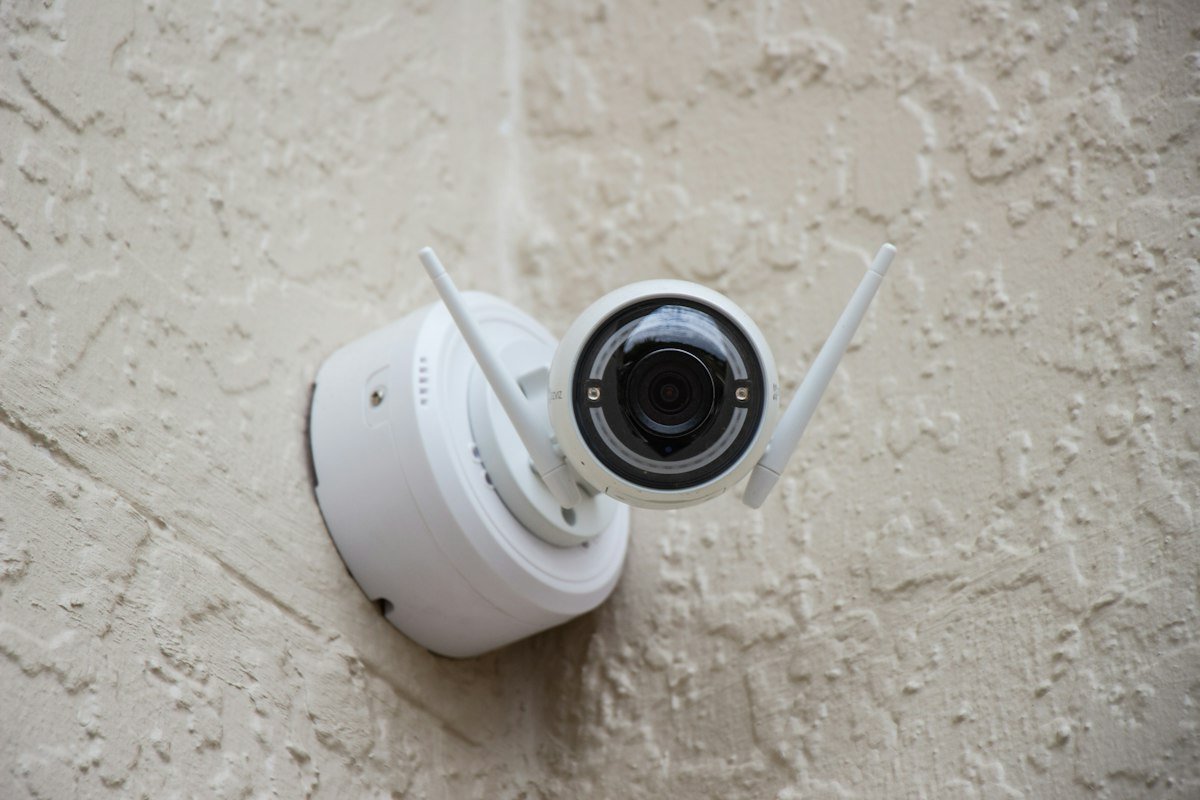
Connected security devices include video doorbells, wireless indoor cameras, smart smoke alarms, and adhesive window sensors. They send instant phone alerts if unexpected movement occurs or an appliance begins leaking.
4. Smart Plugs & Small Appliances
A smart plug transforms standard appliances into connected devices. Plug your floor lamp, fan, or coffee maker into a smart plug to control power usage, track wattage consumption, and automate on/off timers remotely.

The Major Benefits of Smart Home Automation
Home automation delivers practical improvements across four key areas:
| Primary Benefit | Practical Application | Real-World Value |
|---|---|---|
| Energy & Cost Savings | Automated thermostat setbacks and scheduling smart plugs to cut phantom power drain. | Direct reductions in monthly electric and gas utility expenses. |
| Daily Convenience | Custom routines (e.g., saying “Good Night” to lock doors and turn off all lights). | Eliminates repetitive household checks and saves time daily. |
| Enhanced Home Safety | Instant smartphone alerts for water leaks, smoke detection, or door breaches. | Prevents costly water damage and provides round-the-clock peace of mind. |
| Universal Accessibility | Hands-free voice commands and automated lighting for individuals with limited mobility. | Supports independent living and physical comfort throughout the home. |
Can You Have a Smart Home in a Rental Apartment? (Renter-Friendly Guide)
Many tenants assume that smart homes require homeownership, drilling into drywall, or modifying electrical wiring. Fortunately, modern home automation is exceptionally renter-friendly. You can create a fully automated apartment while protecting your security deposit:
Plug-and-Play Lighting & Outlets: Smart bulbs and smart plugs require zero structural modifications. If you are styling a rental space, pair smart ambient lighting with practical budget-friendly apartment decorating ideas to elevate your home aesthetics without breaking the bank.
Adhesive-Mounted Sensors: Door/window sensors and wireless motion detectors mount securely with non-damaging adhesive strips and remove cleanly upon move-out.
Retrofit Smart Locks: Devices like the SwitchBot Lock attach over the interior thumbturn of existing deadbolts. Your landlord’s physical key still functions outside, respecting lease terms and emergency access.
Smart Water Leak Detectors: Placing a compact moisture sensor beneath your kitchen sink or washing machine alerts you before minor drips become major floods. Browse practical tenant checklists and move-in guides on Renter Daily for more rental upkeep strategies.
How to Start Building Your Smart Home in 4 Simple Steps
Check Your Wi-Fi Coverage: Ensure your router provides solid 2.4 GHz wireless coverage throughout your rooms, as most starter smart devices utilize this band.
Pick One Main Ecosystem: Choose between Amazon Alexa, Google Home, or Apple Home based on your current smartphone and preferred voice assistant.
Start with Two Core Devices: Pick one smart speaker and one multi-pack of smart bulbs or plugs to test the waters.
Build Your First Routine: Create a “Good Morning” routine that gradually brings up the lights and powers your coffee machine automatically.
Frequently Asked Questions (FAQ)
Do smart homes work if the Wi-Fi disconnects?
Manual controls—such as physical light switches and mechanical door keys—continue working normally. Local automation networks using Zigbee, Z-Wave, or Matter can still execute scheduled local commands. However, remote app access outside the house and cloud-based voice assistants will be temporarily unavailable until your connection restores.
Do smart devices consume lots of standby electricity?
No. Connected sensors and smart plugs draw negligible standby power (often under 0.5 to 1 watt). By automatically cutting off appliances that waste phantom energy, smart devices routinely save far more electricity than they consume.
How do I protect my smart home from security threats?
Maintain digital security by updating device firmware regularly, using strong unique passwords with two-factor authentication (2FA), and isolating IoT devices on a dedicated guest Wi-Fi network.
Final Thoughts: Smart Living Made Simple
A smart home is not about accumulating complicated tech gadgets; it is about making your living space work smoothly for you. By starting with portable, renter-friendly devices and growing your setup over time, you can enjoy greater convenience, lower utility bills, and enhanced home security—whether you rent an apartment or own a house.